Powerful Leave Management Features Modern Teams Actually Use
Modern teams don’t just need a place to log vacation—they need a system that understands flexible work, distributed teams, and real-time collaboration. Explore the must-have features that turn leave management from an HR chore into a strategic advantage.

Powerful Leave Management Features Modern Teams Actually Use
Managing leave used to mean spreadsheets, email threads, and surprise out-of-office messages. Modern teams work differently now—across time zones, with flexible schedules, and in tools they already use daily.
This guide breaks down the powerful features a modern leave management system needs so you can move from chaotic tracking to seamless, transparent planning.

1. Unified Leave Types for Real-World Policies
Modern teams offer more than just annual vacation and sick days. A powerful system needs to support all the ways people take time off.
Flexible Leave Categories
You should be able to configure and manage:
- Annual leave / PTO
- Sick leave (with optional document requirements)
- Public holidays (by country or region)
- Parental leave (maternity, paternity, adoption)
- Comp time / TOIL (time off in lieu)
- Unpaid leave
- Study, volunteering, or sabbatical leave
Each type should have:
- Custom accrual rules
- Separate approval workflows
- Optional visibility rules (e.g., show Out of office without medical details)
{
  "leaveTypes": [
    { "name": "Annual Leave", "accrual": "monthly", "carryOver": 10 },
    { "name": "Sick Leave", "requiresDocument": true },
    { "name": "Parental Leave", "approvalLevel": 2 }
  ]
}
2. Calendar Views That Actually Help You Plan
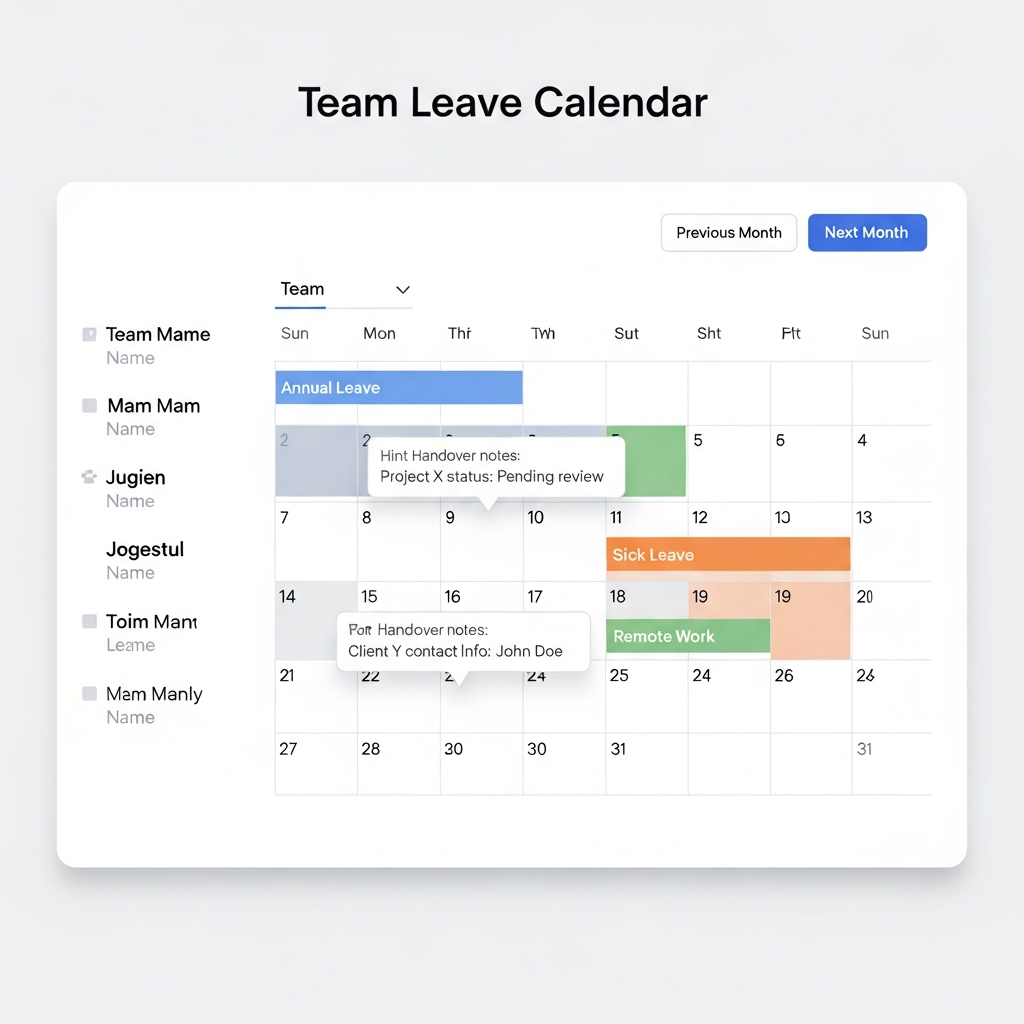
A modern leave tool must answer one core question: "Who is available, and when?" at a glance.
Multi-Layered Calendar Views
Look for views that support different needs:
- Team view – see who’s off this week and next
- Department view – visualize coverage across functions (e.g., Support, Engineering)
- Location view – adjust for local holidays and regional schedules
- Timeline / Gantt-style view – perfect for project-heavy organizations
Smart Conflict Detection
Useful calendar features include:
- Conflict alerts when too many people from a team are off
- Role-based thresholds (e.g., at least 1 tech lead on duty)
- Holiday overlays for each region or country
Example: "Warning – Accepting this request means only 1 engineer will be available on 2026-02-14."
3. Approvals That Match How Your Team Works
Approval shouldn’t mean inbox chaos. A modern system supports clear, flexible workflows with minimal friction.
Configurable Approval Flows
You should be able to define:
- Single-level approval – direct manager signs off
- Multi-level approval – manager → HR → leadership
- Delegated approval – backups for managers on leave
- Auto-approval rules – e.g., auto-approve single-day PTO with 7+ days’ notice
Built-In Approver Context
Powerful tools give managers instant context:
- Real-time balance for the requester
- Team availability for the requested period
- Historical patterns (frequent Fridays off, late submissions, etc.)
4. Self-Service for Employees (Without Losing Control)
Self-service is where modern tools shine. Team members shouldn’t need HR for every basic question.
What Employees Should Be Able to Do
- Check live leave balances (per type)
- Submit and edit leave requests
- Attach documents (e.g., medical certificates)
- View team calendar (with privacy controls)
- Set out-of-office notes or handover details
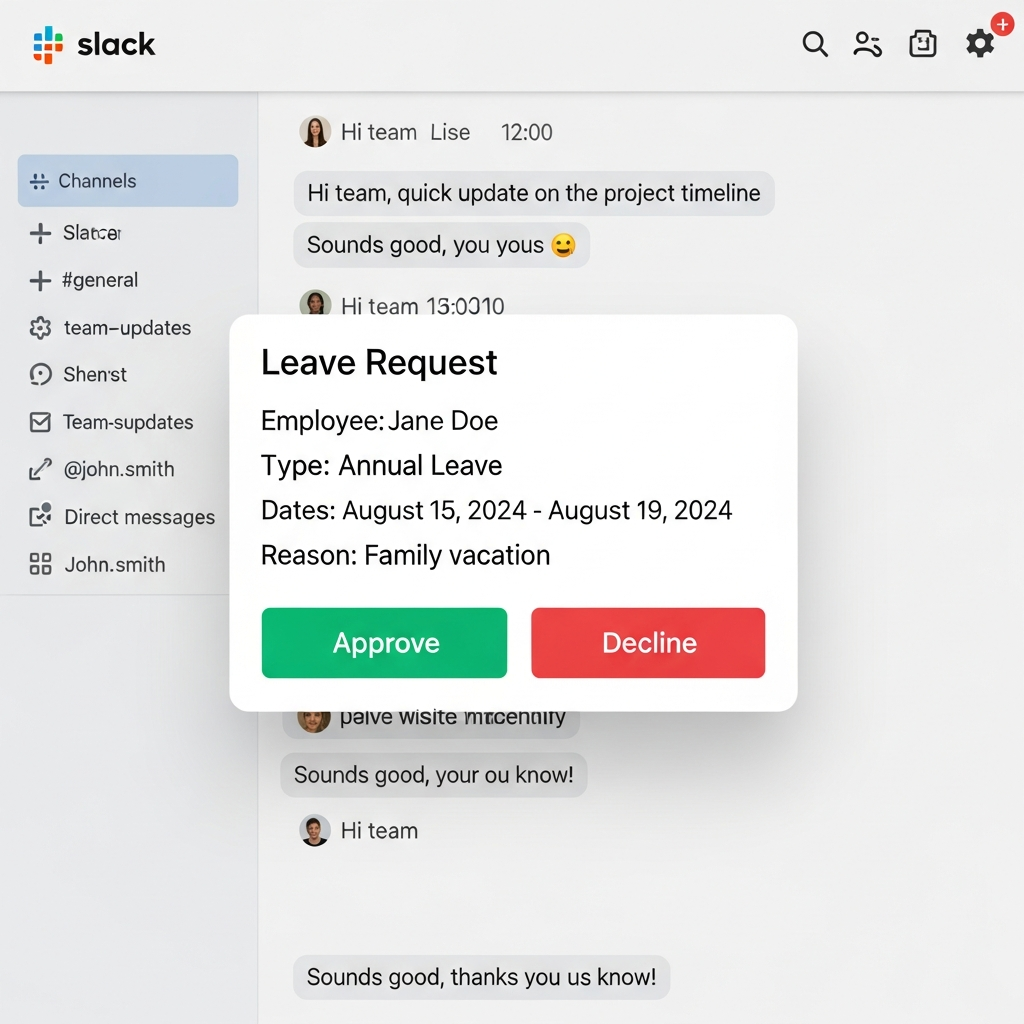
# Example of a self-service chat command in Slack

/leave request 2026-03-10 to 2026-03-15 "Family vacation"
/leave balance
/leave calendar this-month
5. Deep Integrations With Your Existing Tools
Modern teams run on Slack, Microsoft Teams, Google Workspace, Jira, Notion, and more. Leave management should plug into this ecosystem—not sit outside it.
Examples of Valuable Integrations
- Slack / Teams
- Submit and approve requests via commands/buttons
- Daily/weekly digests: “Who’s out today?”
- Google / Outlook Calendar
- Auto-create events for approved leave
- Respect public holidays per region
- HRIS / Payroll
- Sync employee data, contracts, and balances
- Feed leave data into payroll for accurate payouts
- Project tools (Jira, Asana, Linear)
- Show leave inside sprint/planning views
6. Time Zone & Remote-First Capabilities
Distributed teams face a unique challenge: time zones. A day off in Sydney doesn’t line up cleanly with one in New York.
Features Built for Remote Teams
- Time zone–aware dates – requests convert to local time automatically
- Regional public holidays – per country, state, or city
- Workweek variations – support non-standard weeks (e.g., Sun–Thu)
workSchedule:
  default:
    days: [Mon, Tue, Wed, Thu, Fri]
    hoursPerDay: 8
  ae-team:
    days: [Sun, Mon, Tue, Wed, Thu]
    hoursPerDay: 8
7. Clear Balances, Accruals, and Carry-Over Rules
Nothing kills trust faster than mysterious leave balances. Modern tools make calculations transparent and auditable.
Transparent Balances
Look for features that provide:
- Real-time accruals (daily, monthly, or per pay cycle)
- Per-type balance breakdowns
- Automatic carry-over with caps and expiry dates
- Audit trails for manual adjustments
Example explanation an employee might see:
Annual Leave Balance – 18 days
- Starting balance (Jan 1): 15 days
- Accrued this year: +8 days
- Taken: -5 days
- Carried over from last year: +2 days (expires Jun 30)
8. Policy Automation & Guardrails
Policy documents are useless if tools don’t enforce them. Automation reduces errors and uncomfortable conversations.
Automated Policy Rules
- Minimum notice period (e.g., 3 days for annual leave)
- Maximum consecutive days without special approval
- Blackout periods (e.g., product launch week)
- Balance checks (no negative balances unless allowed)
9. Analytics for Capacity Planning and Wellbeing
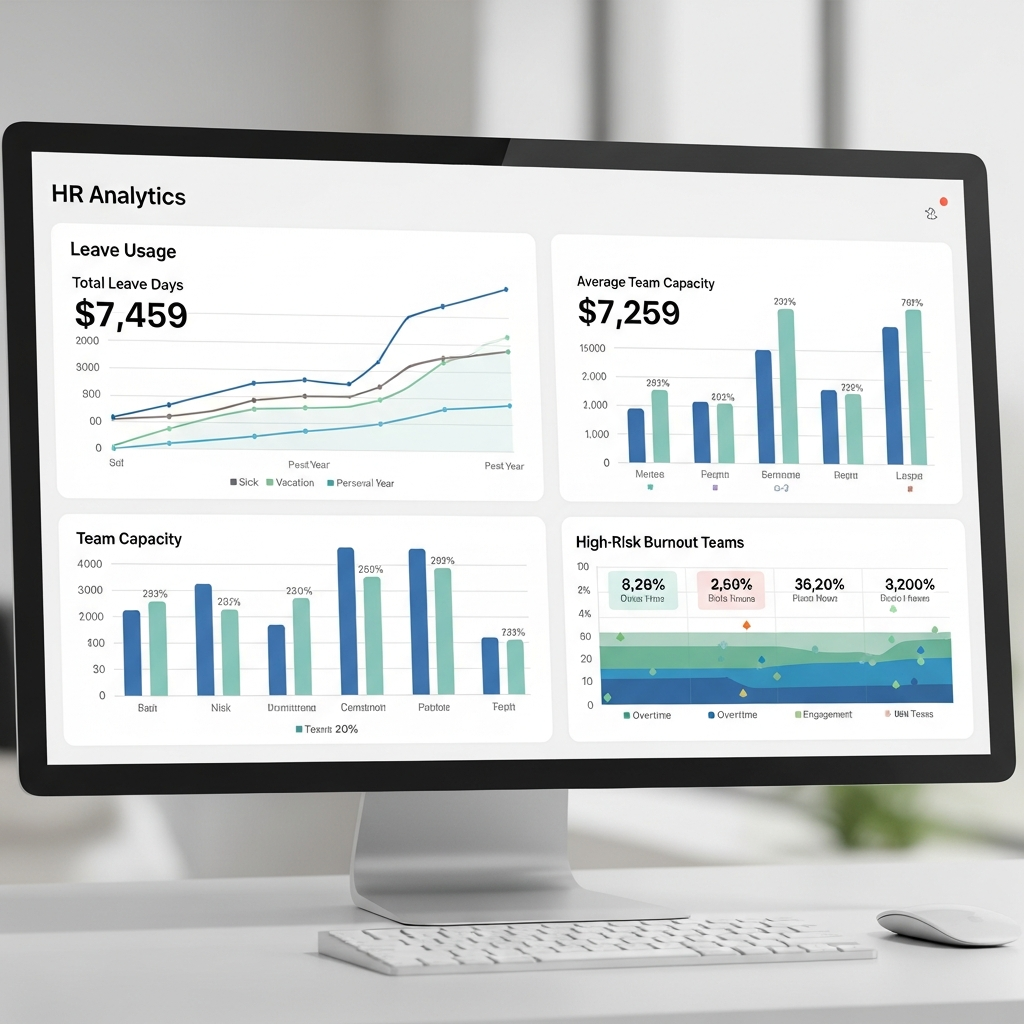
Modern leave systems aren’t just record-keepers—they’re decision-support tools.
Key Metrics to Track
- Average leave usage by team and role
- Burnout signals: low usage, no real breaks, repeated cancellations
- Peak absence periods to inform hiring and scheduling
- Regional trends across offices or countries
Use these insights to:
- Encourage people who aren’t taking time off
- Ensure critical teams don’t have overlapping absences
- Align hiring and headcount with genuine capacity gaps
10. Privacy, Compliance, and Security
Leave data can be sensitive—especially when it touches health or personal circumstances.
Must-Have Safeguards
- Role-based access control (RBAC)
- Configurable visibility of absence reasons
- Data residency options and GDPR compliance
- Audit logs for approvals, changes, and exports
Example permission model:
{
  "roles": {
    "employee": ["viewSelf", "requestLeave"],
    "manager": ["viewTeam", "approve", "adjustBalance"],
    "hr": ["viewAll", "configurePolicies", "exportReports"]
  }
}
11. Implementation Without the Headache
A powerful feature set is only useful if you can actually roll it out.
What Makes Implementation Smooth
- Bulk import from spreadsheets or HRIS
- Templates for common policies and leave types
- Sandbox environments to test workflows
- In-app guides and checklists for admins
Import data, configure leave types, test approvals.
Pilot with 1–2 teams, refine policies, gather feedback.
Company-wide rollout, enable integrations, train managers.
Bringing It All Together
A modern leave management system is more than a request form and a calendar. For today’s distributed, flexible teams, it should:
- Centralize all leave types in one place
- Offer real-time visibility into availability
- Integrate with the tools your team already loves
- Automate policies, approvals, and accruals
- Provide analytics that improve planning and wellbeing
Investing in these powerful features doesn’t just make HR happy—it makes your entire organization more predictable, resilient, and human.