How to Centralize Time-Off Requests, Holiday Tracking & Team Scheduling in One HR Platform
Disconnected spreadsheets, email chains, and manual calendars make leave management slow and error-prone. Learn how a modern HR platform like Leavo centralizes time-off requests, holiday tracking, and team scheduling to deliver real-time visibility, compliance, and transparency for HR teams and managers.

How to Centralize Time-Off Requests, Holiday Tracking & Team Scheduling in One HR Platform
Managing time-off requests, public holidays, and team schedules across spreadsheets, email threads, and shared calendars is a guaranteed way to create confusion and bottlenecks.
A modern HR leave management platform like Leavo brings these processes into a single, transparent system that works in real time for HR, managers, and employees.
In this guide, you'll see how to:
- Streamline time-off requests with automated, policy-aware workflows
- Keep holiday tracking centralized and compliant across locations
- Coordinate team scheduling with real-time availability
- Use analytics and reporting to make data-driven capacity decisions
Why Centralization Matters for Modern HR Teams
When time off is managed across multiple tools (email, Excel, Slack messages, wall calendars), HR managers and team leaders face the same recurring problems:
- No single source of truth for who is off and when
- Approvals delayed in email inboxes
- Inconsistent application of policy (accrual rules, notice periods, approvals)
- Difficulty answering basic questions like "Who can cover next week?"
- High risk of non-compliance with labor regulations
A centralized leave management platform like Leavo solves this by connecting requests, balances, calendars, and approvals into one workflow.
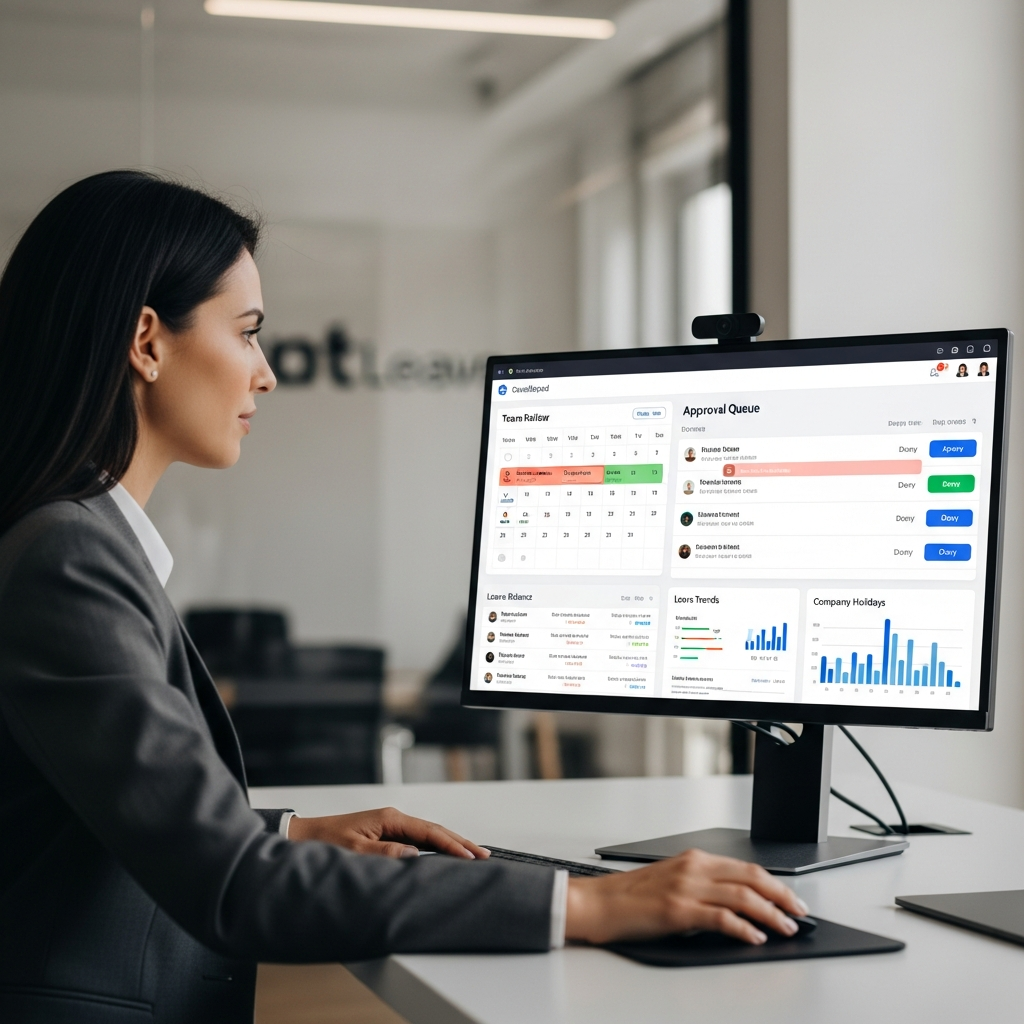
Streamlining Time-Off Requests with Policy-Aware Workflows
From Email Chains to Structured Digital Requests
Instead of unstructured messages ("Can I be off next Friday?"), a modern platform standardizes requests into a structured flow:
- Employee selects leave type (e.g. annual leave, sick leave, parental, unpaid)
- System validates eligibility and balance in real time
- Request is routed to the correct approver(s) based on your custom workflow
- Manager sees team impact before approving
- HR gets a fully tracked audit trail of every decision
Example: A Simple Approval Workflow
leave_type: "Annual Leave"
requester_role: "Employee"
approval_workflow:
  - step: 1
    approver: "Direct Manager"
    rule: "Required for all requests"
  - step: 2
    approver: "HR"
    rule: "Required if request > 10 days or outside country"
notifications:
  - to: "Requester"
    when: ["submitted", "approved", "declined"]
  - to: "Manager"
    when: ["pending_approval"]
This is a conceptual representation of how you might configure a workflow in a platform like Leavo—no code changes, just customizable workflows aligned with your HR policies.
Real-Time Approvals and Notifications
With real-time approvals and notifications:
- Managers receive instant alerts via email or in-app
- Employees see status changes immediately ("pending", "approved", "declined")
- HR can monitor SLA performance for approvals
Holiday Tracking Across Locations and Entities
The Complexity of Modern Holiday Management
If your organization operates in multiple regions, you’re dealing with:
- Different public holiday calendars by country or state
- Region-specific labor regulations
- Varying entitlement rules (days vs hours, seniority-based accruals)
A modern HR leave platform like Leavo supports multi-company and multi-location setups from a single dashboard.
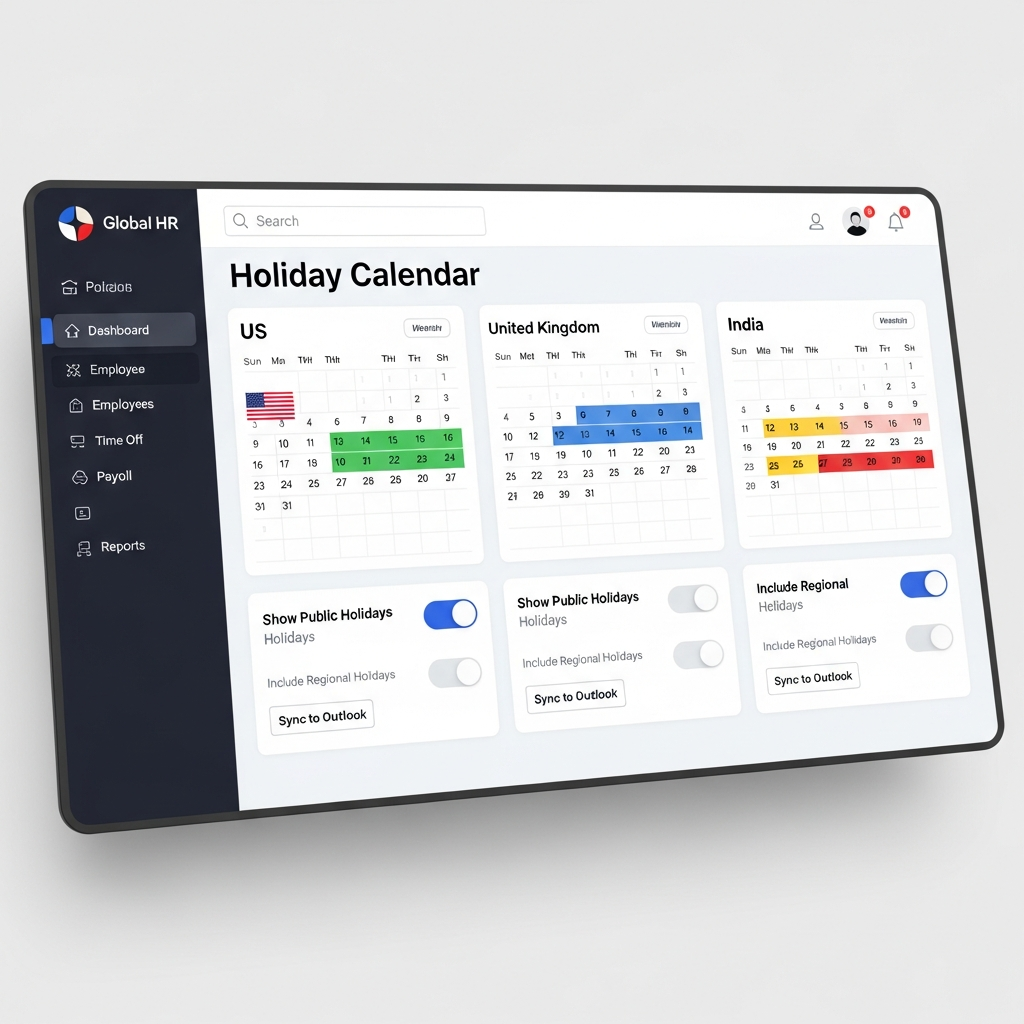
Configurable Holiday Calendars
You can define separate calendars and assign them to entities, departments, or locations:
{
  "entity": "Leavo Europe GmbH",
  "country": "Germany",
  "holiday_calendar": "DE-BY-2026",
  "applies_to": ["Munich Office", "Remote-DE"]
}
Once configured:
- Public holidays are automatically excluded from time-off calculations
- Team calendars reflect accurate office closures
- Managers avoid approving too many absences on critical operational dates
Compliance-Ready Configuration
Leavo’s compliance-ready features help HR teams:
- Align entitlements with local labor laws
- Enforce mandatory rest periods and leave types
- Maintain full historical records for audits and disputes
Team Scheduling with Real-Time Availability
One Unified View of Who Is Off and When
Static calendars don't cut it when schedules change daily.
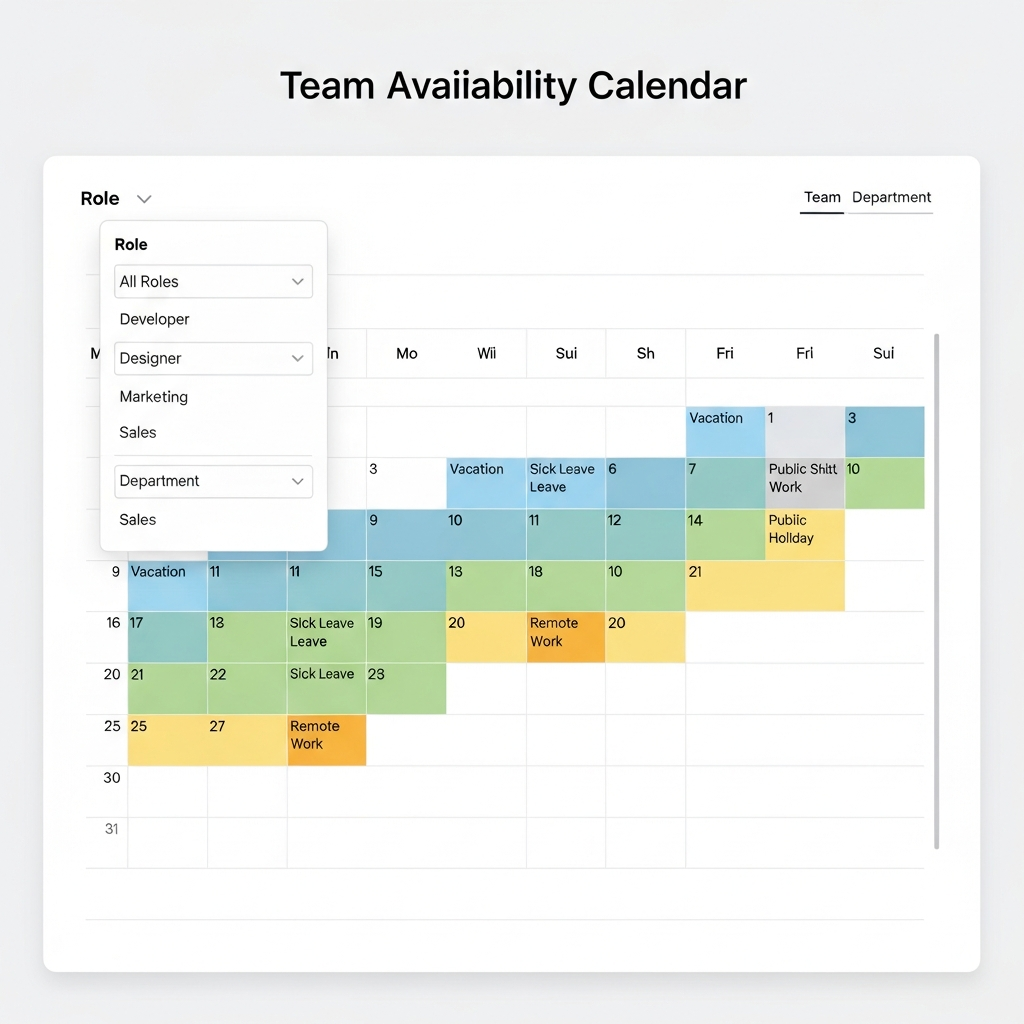
Leavo’s integrated team calendar gives managers and HR:
- A color-coded view of absences by type (annual, sick, parental, etc.)
- Filter options by team, location, role, or project
- The ability to quickly spot coverage gaps or overbooked periods
Avoiding Coverage Gaps and Burnout
With centralized visibility, you can set rules like:
- Limit more than X% of a team being off simultaneously
- Restrict overlapping critical roles from being off at the same time
When a request comes in that would break a rule, the system can:
- Flag it as "at risk" to the manager
- Suggest alternative dates with better coverage
Example: Coverage Rule Configuration
{
  "rule_name": "Support Team Coverage",
  "team": "Customer Support",
  "max_concurrent_absence": 0.3,
  "protected_roles": ["Team Lead", "Escalation Engineer"],
  "actions": ["warn_manager", "require_hr_approval"]
}
This type of configuration ensures operational resilience while keeping your process transparent.
Ensuring Transparency for Employees and Managers
Efficiency without transparency leads to mistrust. A modern platform should make rules and decisions visible and understandable to everyone involved.
What Employees See
Employees get a self-service portal where they can:
- View live leave balances by type
- Access company leave policies in one place
- See a team calendar (with appropriate privacy settings)
- Track the status and history of their requests
What Managers See
Managers gain:
- A consolidated approval inbox
- Team-level availability and conflict warnings
- Quick access to past decisions and comments
Transparency helps eliminate perceptions of favoritism and inconsistent application of policy.
Data-Driven HR: Analytics & Reporting You Can Act On
Leavo’s analytics and reporting tools turn leave data into operational insight.
Key Metrics HR Managers Typically Track
- Absence rates by team, location, or role
- Average approval times by manager or department
- Peak leave periods and seasonal patterns
- Sick leave trends that may indicate burnout or workload issues
Example: Simple Absence Analysis Query (Conceptual)
SELECT team,
       COUNT(*) AS total_leaves,
       SUM(CASE WHEN leave_type = 'Sick' THEN 1 ELSE 0 END) AS sick_leaves,
       AVG(approval_time_hours) AS avg_approval_time
FROM leave_requests
WHERE request_date BETWEEN '2025-01-01' AND '2025-12-31'
GROUP BY team
ORDER BY sick_leaves DESC;
While you don't have to write SQL in Leavo, this illustrates the kind of structured data the platform gives you access to—ready for dashboards, exports, and audits.
Multi-Company Management from a Single Dashboard
If you’re responsible for HR across multiple entities or brands, you don’t want separate tools per company.
With Leavo’s multi-company support, you can:
- Manage separate policies, calendars, and workflows per entity
- Control access and visibility for local HR partners
- Run combined or segmented reports across the entire group
This is particularly useful for:
- Holding companies
- Groups with both retail and HQ operations
- Rapidly scaling startups expanding into new regions
Implementing a Modern Leave Platform: Practical Steps
You don’t need a big-bang changeover to see value. A phased approach works best.
Document leave types, accrual rules, notice periods, and approval chains.
Mirror your policies as **custom leave types** and **approval workflows**.
Load employee data and assign each person to an entity and holiday calendar.
Gather feedback, refine rules, and then roll out to the rest of the company.
Start using dashboards to optimize capacity planning and policy decisions.
The Bottom Line: Efficiency and Transparency Can Coexist
Teams that value efficiency and transparency don't have to compromise. By centralizing time-off requests, holiday tracking, and team scheduling in a single platform like Leavo, HR managers and team leaders get:
- Faster, policy-compliant approvals
- Clear visibility into team capacity and coverage
- Reliable, audit-ready records for compliance
- Data-driven insight into workforce wellbeing and resource planning
If you're ready to retire spreadsheets and email chains, a modern HR leave management platform is the most impactful upgrade you can make to your time-off and scheduling processes.